What UpBeep does
One-key paging and the everyday tools around it, for everyone in your office.
Paging
Call for help without leaving the room.
- One key or one click pages the office; every other computer, phone and watch shows and sounds it.
- One click clears a page, and everyone sees who answered.
- Emergency takes one tap on a phone or watch, then gives you 3 seconds to Undo.
- Send from the Quick Pages widget, or hold Ctrl+Shift, say the page and check it before it goes.
- Make a page for anything you ask for often, then just say it.
Emergency alerts your team. It doesn't call 911 and isn't an alarm system.
On its own: about $43 to $51 a month for 12 people. Included in UpBeep.

Talk
Early accessTalk to your team like a walkie-talkie.
- Hold Talk on a computer, phone or watch to talk live to everyone, a person, a group or a room over the office Wi-Fi.
- Only one person talks at a time, and everyone sees who is talking.
- On iPhone, Talk also works from the lock screen, the Action Button and Siri.
- In an office with a password, Talk works live wherever the phone has internet, sealed so only your team hears it, never recorded, while an office computer is on. An office without a password keeps Talk on its own Wi-Fi. Watches take part through their phones.
Voice messages are recordings. UpBeep keeps each one only until it's heard, and its written copy for 30 days. Talk is live and never recorded.
UpBeep is not designed to create, receive, maintain or transmit protected health information (PHI) as defined by HIPAA. Offices should not enter patient names or other health information in pages, messages, voice messages, tasks or notes, whether in the office or away. UpBeep does not enter into business associate agreements.
On its own: about $84 to $156 a month for 12 people. Included in UpBeep.
Messages
Send a short message across the office.
- Write to a room, a person or Everyone, and see Sent and Read with exact times.
- Mark a message Private to hide its wording until the recipient reveals it.
- Hold the microphone for up to 60 seconds, or start a Ctrl+Shift hold with “Tell Sam…”, to send a voice message.
- Voice messages play only when tapped, with a written copy made on the office's own computers or the phone.
Voice messages are recordings. UpBeep keeps each one only until it's heard, and its written copy for 30 days. Talk is live and never recorded.
On its own: about $48 to $87 a month for 12 people. Included in UpBeep.
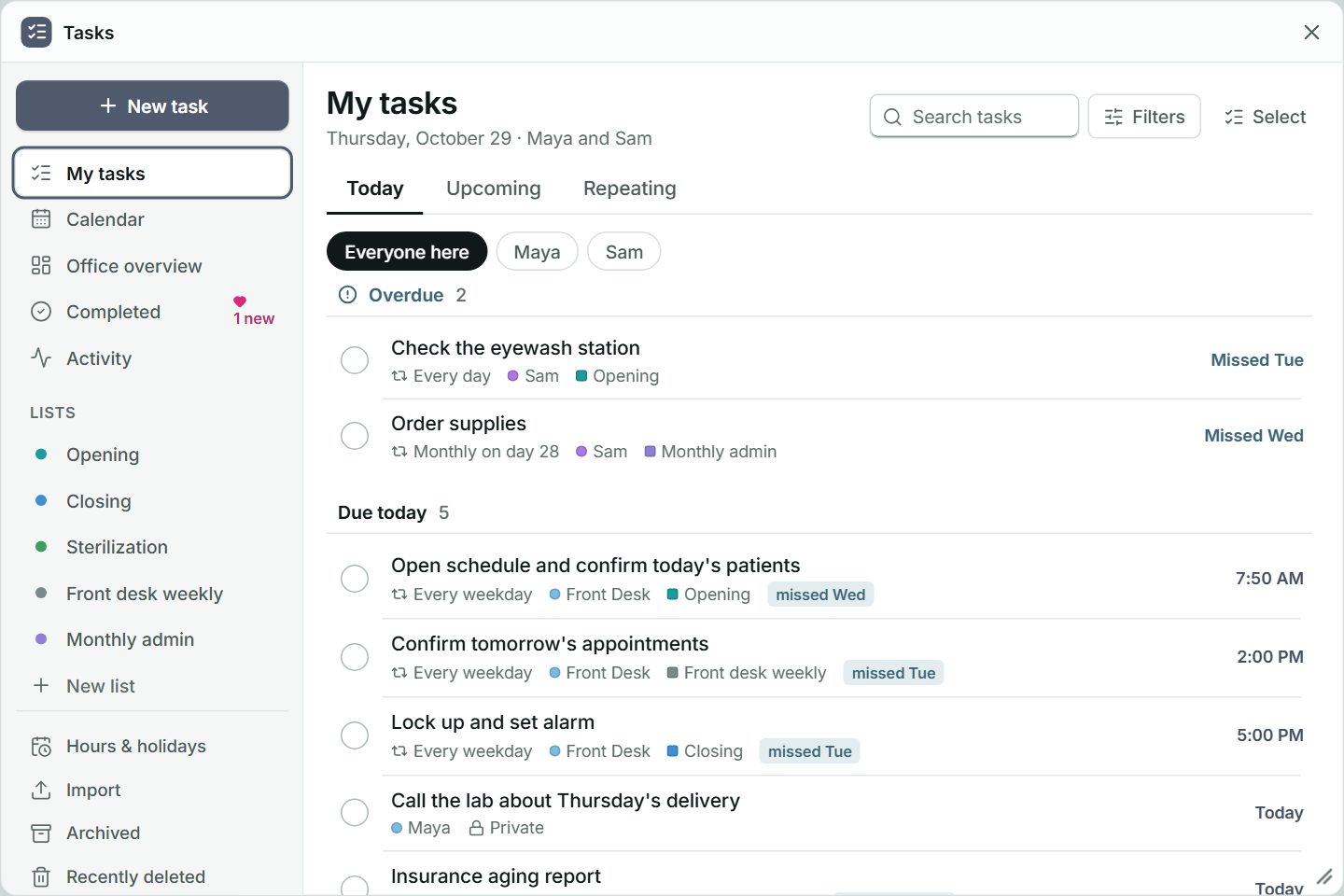
Tasks
Keep the office's shared, year-round jobs in one place, on phones and watches too.
- Share one-off and repeating tasks, organised into lists, on the office's computers and on phones and watches too.
- See the work ahead on the office calendar.
- Completed shows who did the work; send a heart to say thanks.
- Add comments, get a morning summary, bring a list over from a task-list export, and export.
On its own: about $60 to $132 a month for 12 people. Included in UpBeep.
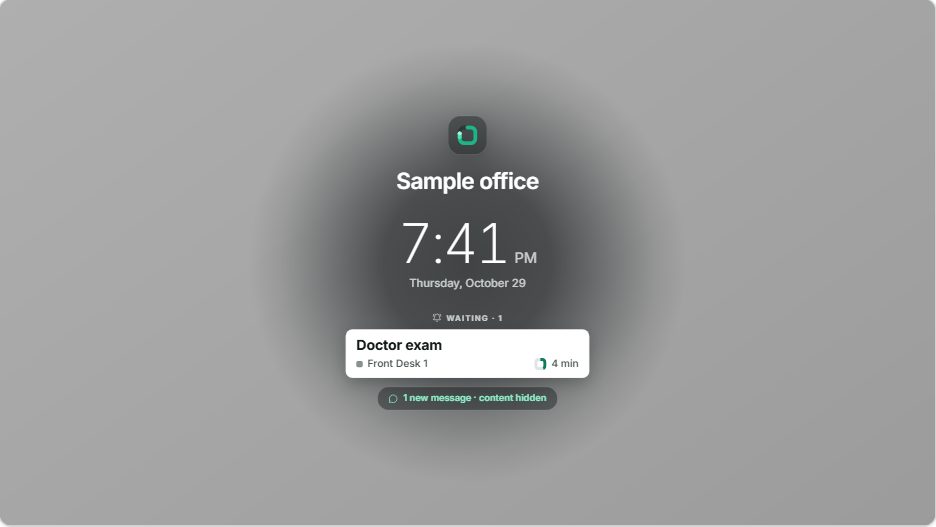
Privacy screen
Cover the screens when you step away while keeping pages available.
- F9 covers every screen on the computer. F9 uncovers it, or asks for that computer's PIN if one is set.
- Pages and their sounds still come through; the Office map, arrival cards and Tasks stay covered.
- Visible notes stay above the cover; hidden notes disappear, and private messages show only that one is waiting.
- An office can use UpBeep just as a privacy screen: an administrator turns paging, messages, notes and sounds off for every computer.
Included in UpBeep.
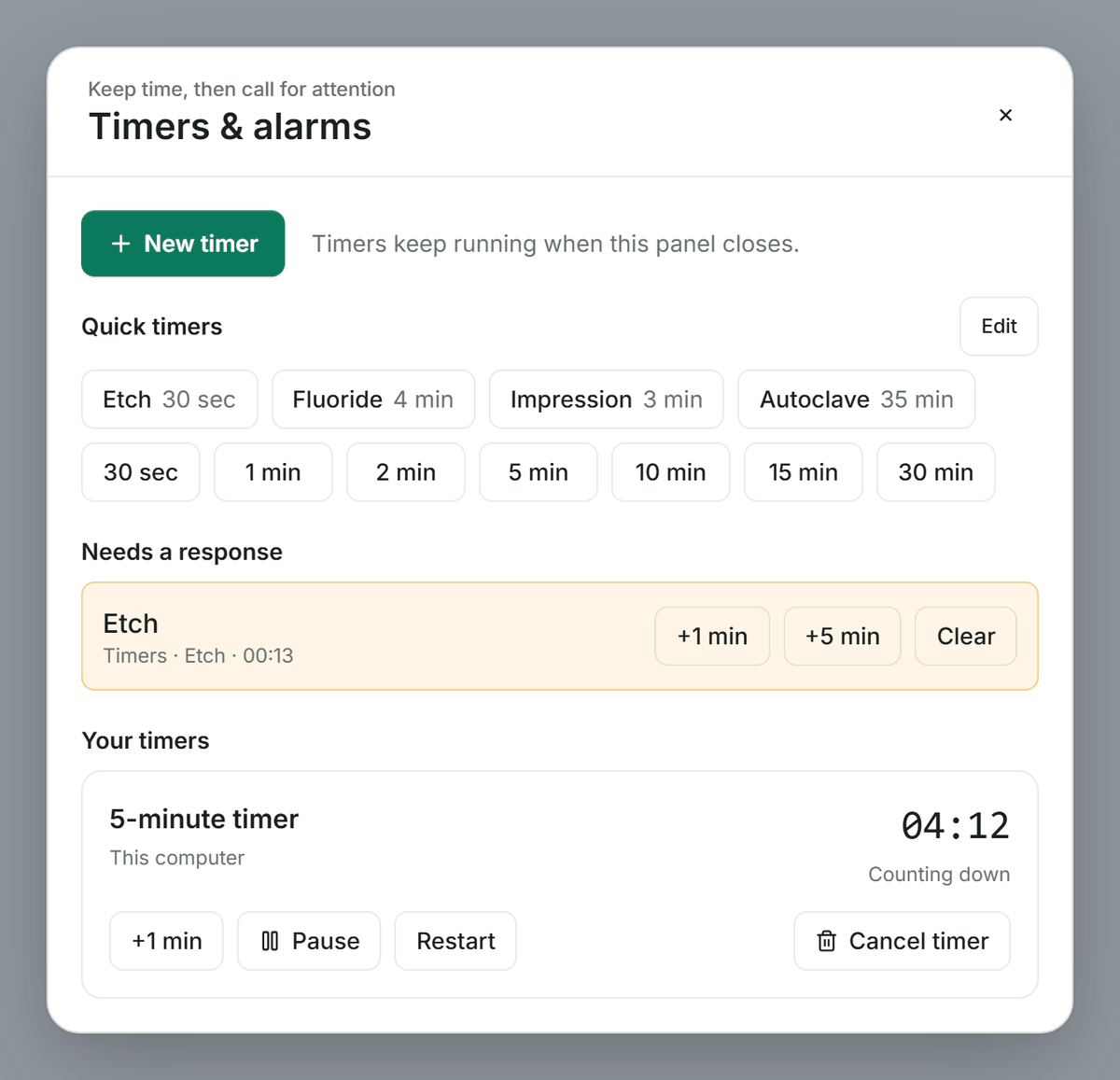
Timers & alarms
Keep time, then remind the computers that need to hear it.
- Start a quick timer in one click, from 30 seconds to 30 minutes.
- Create a named countdown, stopwatch or alarm.
- Reminders can ring on this computer, selected computers or the whole office, following their sound settings.
Included in UpBeep.
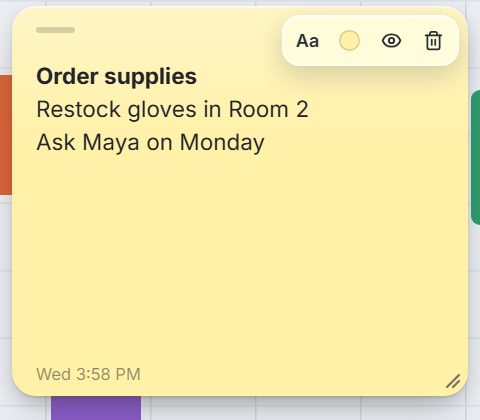
Sticky notes
Leave yourself a reminder on one computer.
- Click to make a sticky note, ready to type. It is never sent to another device.
- Move the paper where you need it; it returns after restarting UpBeep.
- The eye hides the words. Hold a hidden note to peek; release to hide them again.
Included in UpBeep.
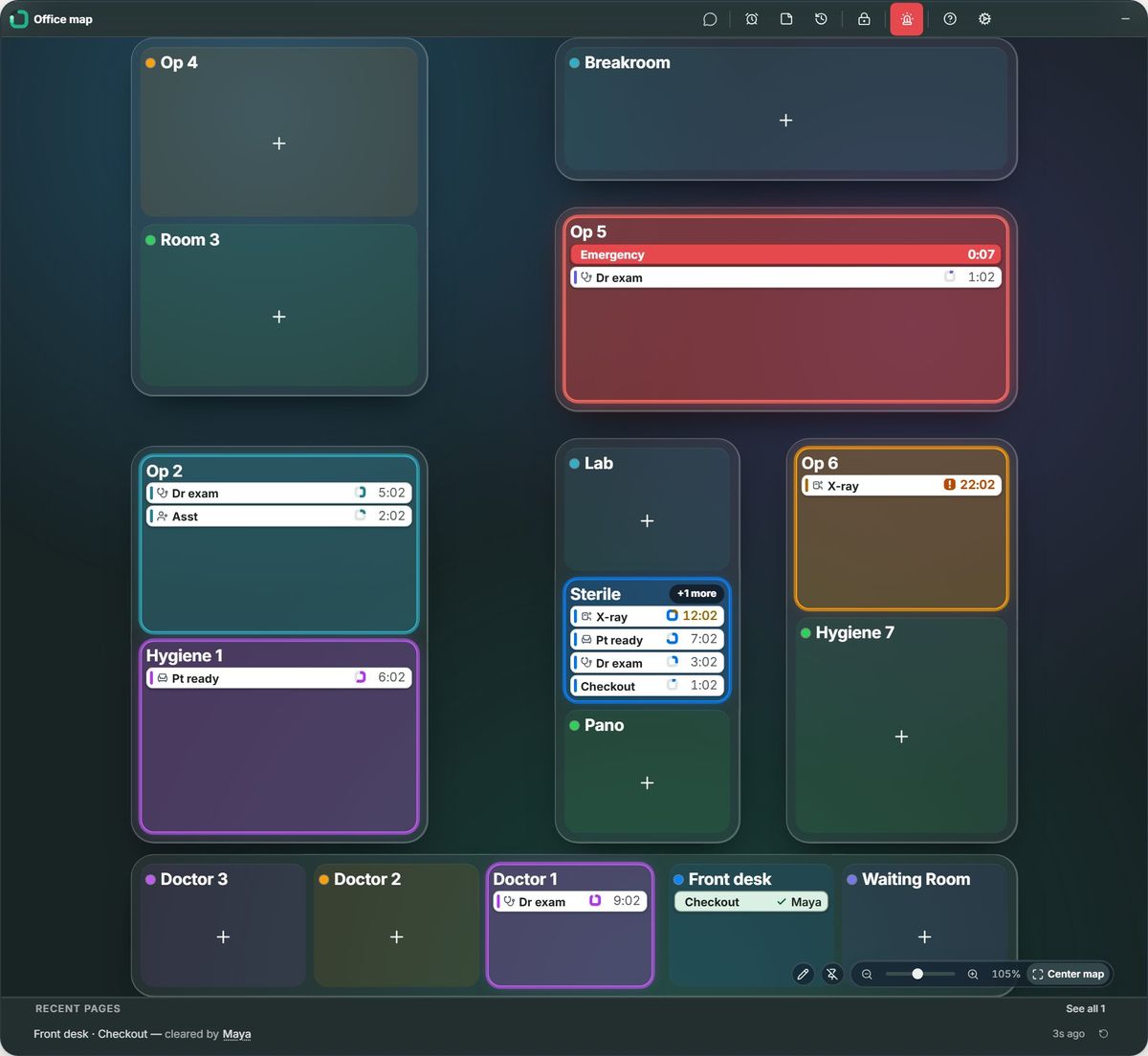
The Office map
See the rooms and their pages at a glance.
- Rooms keep the office's layout; new pages never move them.
- Click a room to open its page list.
- Zoom, pan or use Center map to see the whole office.
Included in UpBeep.
Phones and watches
Carry the office's pages anywhere in the office on iPhone, iPad and Apple Watch.
- Join over the office Wi-Fi to send and receive pages and messages; tap a page to clear it.
- Use an iPad as a person's own device or a room's station.
- In an office with a password, messages and tasks reach the phone away from the office too, sealed so only your team can read them.
- Hold Talk on iPhone or Apple Watch to talk live over the office Wi-Fi. In an office with a password, Talk works live wherever the phone has internet, sealed so only your team hears it, never recorded, while an office computer is on. An office without a password keeps Talk on its own Wi-Fi. Watches take part through their phones.
Included in UpBeep, for every phone, iPad and watch.
Typical list prices of popular tools, checked October 2026. Paging ranges from yearly to monthly billing; the other tools use yearly billing. Your prices may differ.
For your business
Make your own pages for what your team asks for every day. Send one with a key or a click, or hold Ctrl+Shift and say it.
Health
Dental and medical offices
Make pages like “Extraction set” or “Suction tips to Op 2” and ask without leaving the chair. Opening and closing jobs repeat in Tasks on the office’s computers. UpBeep is not designed to create, receive, maintain or transmit protected health information (PHI) as defined by HIPAA. Offices should not enter patient names or other health information in pages, messages, voice messages, tasks or notes, whether in the office or away. UpBeep does not enter into business associate agreements.
Veterinary hospitals
Bring help to the room with pages like “Tech to Exam 2” or “Restraint help”, and keep daily and weekly jobs in Tasks on the office’s computers.
Eye care
Hand off from pre-test to the exam room with “Pre-test done” or “Doctor to Exam 1”, and everyone sees who answered. Opening jobs live in Tasks on the office’s computers.
Law and accounting offices
Send “Your two o’clock is here” without saying a client’s name, or “Reception needs help”, and press F9 to cover a screen when a client sits down. Deadlines repeat in Tasks on the office’s computers.
Auto shops
From the counter, “Customer waiting” or “Need the alignment tech” reaches the tech’s iPhone or Apple Watch, so nobody walks back and forth. Opening and closing jobs repeat in Tasks on the office’s computers.
Any other small business
Setup offers about 40 kinds of business, each starting with its own jobs and pages. If yours isn't there, choose General, then rename them and add your own.
Don't see your kind of business? Tell us at support@upbeep.app and we'll add a starting set.